Skip to content

Private podcast feed · set up once

Drop any document.
Hear it as a podcast
on your phone.

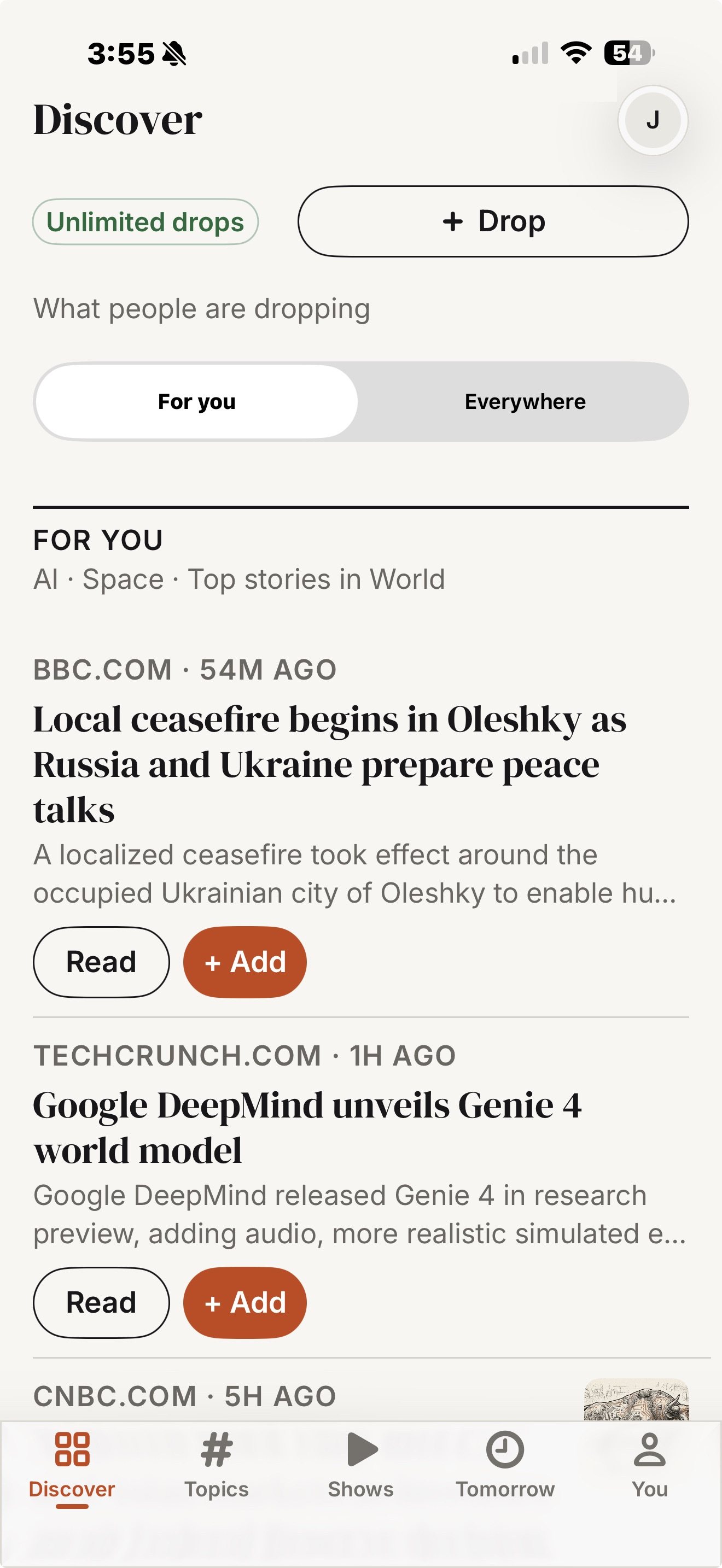
A PDF, a link, or a whole book goes in. An episode comes out in the podcast app already on your phone — Apple Podcasts, Overcast, Pocket Casts. You scan a QR code once. After that, every episode simply shows up, the way a show you subscribe to does.

7 days · 3 episodes · every feature

Dropped 21:04

attention-is-all-you-need.pdf

15 pages · script approved in one click

Riley’s Feed

Private · 4 episodes

Apple Podcasts

  • Attention Is All You Need

    Discussion · 12:04 · just now

    New
  • The agentic web, and who pays for it

    Discussion · 9:31 · yesterday

  • Handbook — ch. 3, Access control

    Narration · 18:47 · Tue

  • Q3 memo: pricing after the TTS increase

    Discussion · 7:12 · Mon

No app installed. No download. It was just there on the next refresh.

Delivers toApple PodcastsPocket CastsOvercastCastroAntennaPod (Android)Not Spotify —here’s why

How it works

Three steps, and only the middle one wants your attention.

  1. 01

    Drop it

    Drag in a PDF, paste a link, or upload a photo of a page. PodDrop extracts the text and tells you what the episode will cost you — an episode from your monthly allowance, or credits if you picked a premium voice.

    PDF · text · images · web links

  2. 02

    Review the script

    Generation stops at the transcript. Fix the mispronounced author name, cut the section that rambles, or send it back with a note. Nothing is voiced until you approve — and the audio is read from exactly the text you approved, never regenerated behind your back.

    Trust it for a source type? Turn on auto-approve.

  3. 03

    It appears on your phone

    The finished episode is published to your private feed. Your podcast app picks it up on its next refresh — usually within the hour, instantly if you pull to refresh. You do not open PodDrop to listen. You open the app you already open.

    Setup happened once. This part never needs you again.

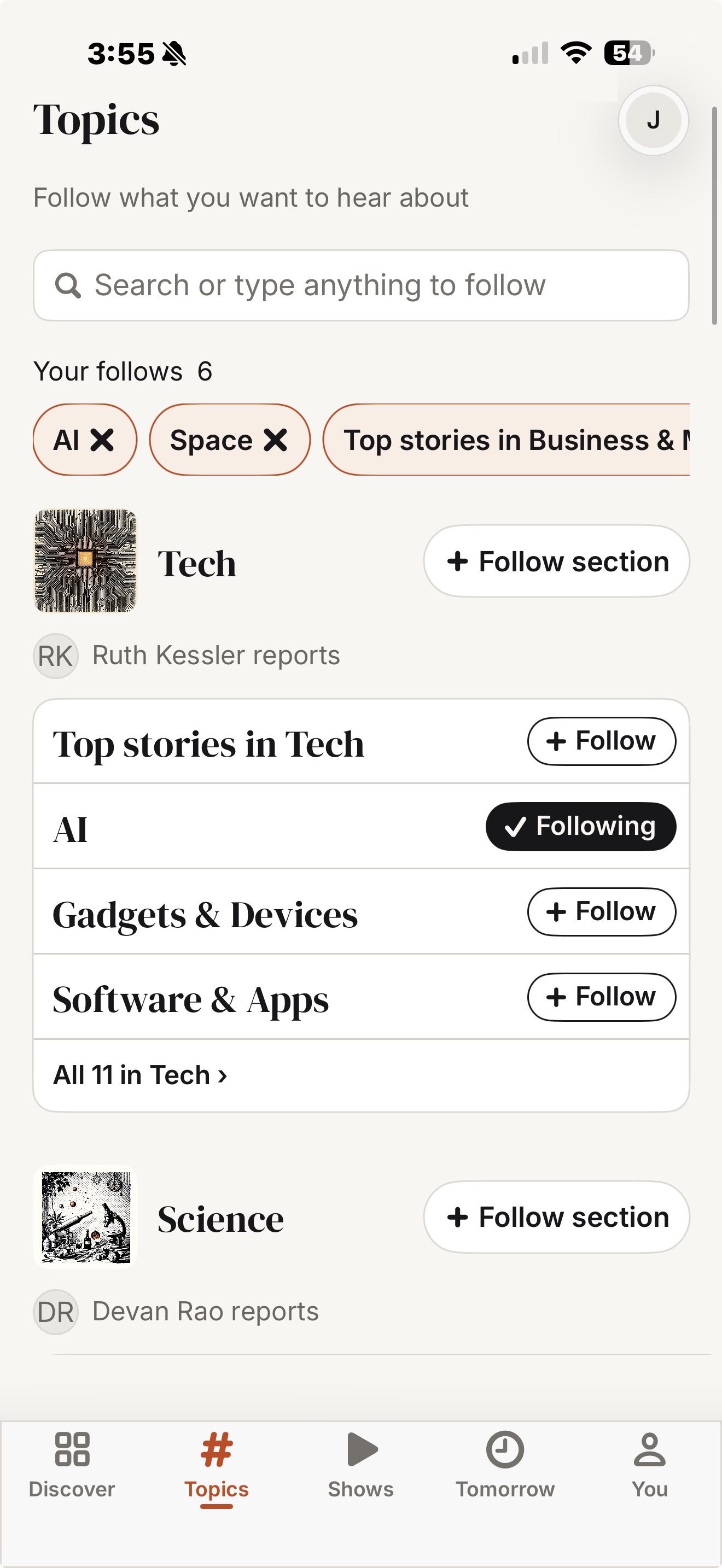
The setup is genuinely one time. When you sign up you get a private feed URL. Scan its QR code with your phone camera and your podcast app subscribes to it — the same way a Patreon or Substack private feed works. You never scan it again, and PodDrop never asks you to install anything.

Two modes

A conversation about it, or the thing itself, read out.

Mode one

Two-host discussion

Two AI hosts talk through the document — what it argues, where it is weak, what it means.

  • Set length, tone, creativity and the hosts' names
  • Default voices are Gemini multi-speaker, included on every plan
  • Best for papers, reports, newsletters and long articles
  • Premium and cloned voices are available, and metered — see pricing

~10 minutes from a 15-page paper

Mode two

Audiobook narration

A single voice reads the document verbatim. Chapters are detected and split into one episode each.

  • The feed is tagged as a serial, so your app gives you a chapter list and per-chapter resume
  • Speed control, sleep timer and CarPlay come free — they are your app's features
  • Documents up to 50,000 characters are included on Personal
  • Full-length books are metered, because narrating one costs $8–15

One episode per chapter, in reading order

Works with

Your app, not ours. Including the one that says no.

PodDrop publishes a normal RSS 2.0 feed at a private URL. Anything that can add a show by URL can play it. Two apps subscribe from a single tap; the rest take one paste.

  • Apple Podcasts

    One tap

    Tap Add to Apple Podcasts, or scan the QR code with your camera.

  • Pocket Casts

    One tap

    Opens straight to the subscribe screen via its pktc:// link.

  • Overcast

    Paste the URL

    No URL scheme, so: copy your feed URL, then + → Add URL.

  • Castro

    Paste the URL

    Copy your feed URL, then Add Podcast by URL.

  • AntennaPod (Android)

    Paste the URL

    Copy your feed URL, then Add Podcast → Add by RSS address.

  • Any other RSS podcast app

    Paste the URL

    If it can add a show by URL, it works. The feed is plain RSS 2.0.

  • Spotify

    Not supported

    Spotify does not allow personal RSS feeds. There is no workaround, and we will not pretend otherwise.

One app on that list can never work. We list it anyway, because finding out after you have paid is worse than reading it here.

The awkward questions

Answered before you ask them.

Delivery you cannot see is only worth paying for if you trust it. So the limits are on the marketing page, not buried in a support article.

Does this work with Spotify?

No. Spotify does not let you add an arbitrary RSS feed to your library, so a private PodDrop feed cannot appear there. That is a Spotify policy, not a feature we have not built yet, and there is no workaround.

If Spotify is the only podcast app you use, PodDrop is not for you today. Apple Podcasts, Overcast, Pocket Casts, Castro and AntennaPod all work, and all of them are free.

How fast does an episode show up on my phone?

The audio is ready 2–5 minutes after you approve the script. Getting it onto your phone then depends on your podcast app, because apps poll feeds on their own schedule — typically every 15 minutes to a couple of hours in the background.

Pull to refresh in your app and it is there immediately. We would rather tell you that up front than have you think delivery is broken.

Who else can see my feed?

Nobody, unless you hand out the URL. Your feed lives at a long random token — treat it like a password. It is not listed in Apple's directory or anywhere else, and it is not indexed.

If you ever paste it somewhere you should not have, rotate it. Rotating issues a new URL, kills the old one instantly, and walks you through re-subscribing on your phone.

Do I have to review every script?

You have to approve it, but approving takes one click. Generation stops at the transcript so you can fix a mangled name or cut a rambling section before anything is voiced — the audio is read from exactly the text you approved.

Once you trust the output for a given kind of source, turn on auto-approve for it.

What can I drop in?

PDFs, plain text, images with text in them, and web links. Links are fetched and extracted server-side; paywalled and heavily scripted pages sometimes fail, and when they do you get a clear error rather than a half-empty episode.

Email forwarding, a Chrome extension, batch ZIP upload and a public API are on the roadmap, not shipped.

Can I make an episode from something I did not write?

PodDrop is for personal listening, and you are responsible for having the rights to whatever you upload. There is no public sharing or redistribution feature — every feed is private to you or your team.

Episodes are AI-generated and labelled as such in the feed metadata.

What happens to my episodes if I cancel?

Your feed keeps serving what is already published until the end of the paid period, then stops. Delete your account and we purge the audio files and the database rows behind them; the feed URL starts returning an empty, expired feed.

Your reading backlog, in your ears tomorrow morning.

7 days, 3 episodes, every feature. Full features. Trial episodes carry a short PodDrop outro.